Your Profile
Your profile shows your name, email, and other account details. You can view it anytime after logging in.
Before you begin
- Log in to BrightLearn.
- Have your account open on the Dashboard.
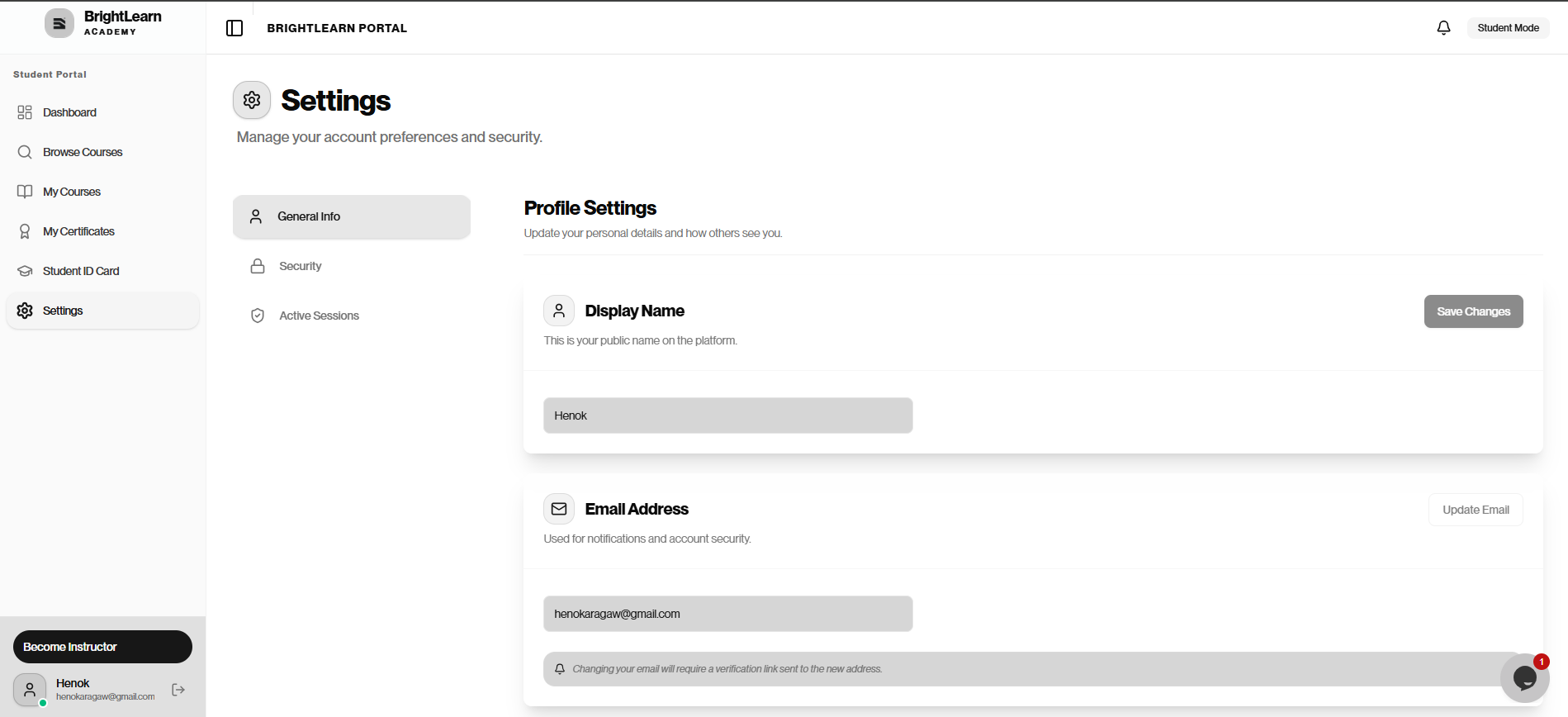
Step 1 — Open your profile
- After logging in, look at the bottom left of the sidebar.
- Find your name and email below the navigation menu.
Your basic profile information appears in this area.
To edit your details, click Settings in the left sidebar. See Edit your profile.
Step 2 — Review your information
You can see:
- Your display name
- Your email address
- Your profile picture (if you added one)
Step 3 — Need to change your details?
You can update your display name and email yourself on BrightLearn.
- Click Settings in the left sidebar.
- Open the General Info tab.
- Update your Display Name or Email Address.
- Click Save Changes or Update Email.
For step-by-step help, see Edit your profile.
Use the name you want on your certificates. Keep your email up to date so you receive payment and enrollment updates.
Troubleshooting
I cannot find my profile.
Look at the bottom left of the sidebar after logging in. Your name and email are shown there.
My name is wrong.
Open Edit your profile, update your Display Name, and click Save Changes. New certificates use your current display name.
My email is wrong.
Open Edit your profile, update your Email Address, and click Update Email. Check your inbox if BrightLearn asks you to verify the new address.
I cannot find Settings.
- Look at the left sidebar after logging in.
- Click Settings near the bottom of the menu.
- Open the General Info tab.
Frequently Asked Questions
Who can see my profile?
Teachers and administrators involved in your courses can see basic profile information. Other students typically cannot see your full profile.
Can I add a profile photo?
If your school allows profile photos, ask your teacher or administrator how to update your picture.
Next: Edit your profile