Payment Methods
BrightLearn supports several ways to pay for courses. The exact options depend on your school or organization.
Before you begin
- Log in to BrightLearn.
- Open the course you want to enroll in.
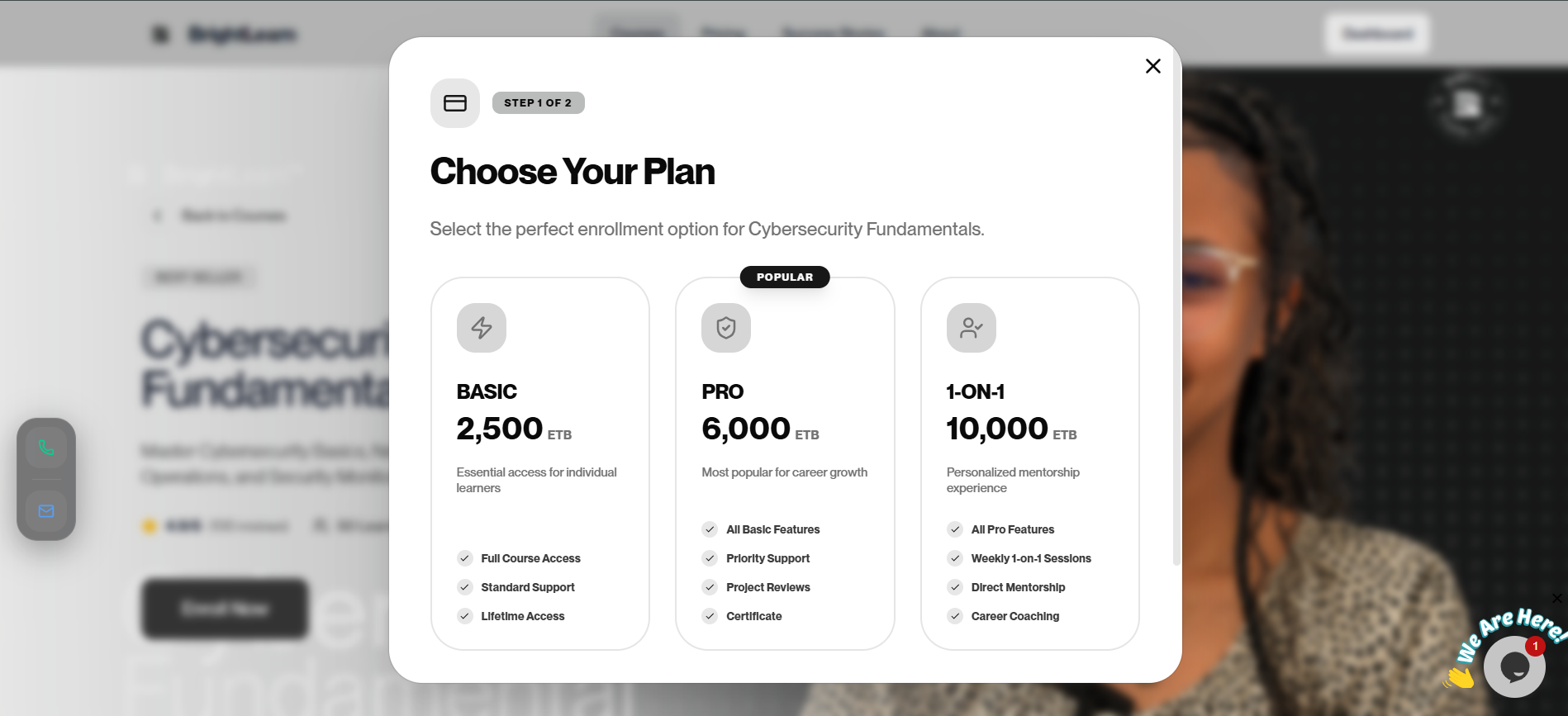
Step 1 — Start enrollment
- Open course details for your course.
- Click Enroll or Buy Now.
- The payment screen opens.
Step 2 — View accepted methods
On the payment page you may see options such as:
- Bank transfer — pay to a school bank account
- Mobile payment — pay via mobile wallet apps
- Other local methods — as listed by your administrator
Each option shows instructions and account details.
Step 3 — Note payment details
Before paying:
- Write down or screenshot the account number or payment reference.
- Note the exact amount to pay.
- Include your student ID or reference code in the payment note if asked.
Pay the exact amount shown. Wrong amounts may delay approval.
Never upload a fake or edited payment screenshot. Accounts that submit false payment proof may be permanently banned from BrightLearn.
Step 4 — Pay outside BrightLearn
- Complete the payment using your bank app, mobile wallet, or other method.
- Save your receipt or transaction screenshot.
- Return to BrightLearn and upload payment proof.
Troubleshooting
No payment methods shown.
The course may be free. Click Enroll without payment. If you expected a payment step, contact your administrator.
Account details are unclear.
Take a screenshot and ask your teacher or school office before paying.
Frequently Asked Questions
Can I pay with cash?
BrightLearn online enrollment uses digital proof. Ask your school if they accept cash and enter enrollment manually.
Is my payment secure?
You pay through your bank or wallet app. BrightLearn stores your proof for verification only.
Next: Upload payment proof