Course Details
Before you enroll, review the course details page. It shows what you will learn, how long the course takes, and how much it costs.
Before you begin
- Log in to BrightLearn.
- Find a course using Browse Courses or Search.
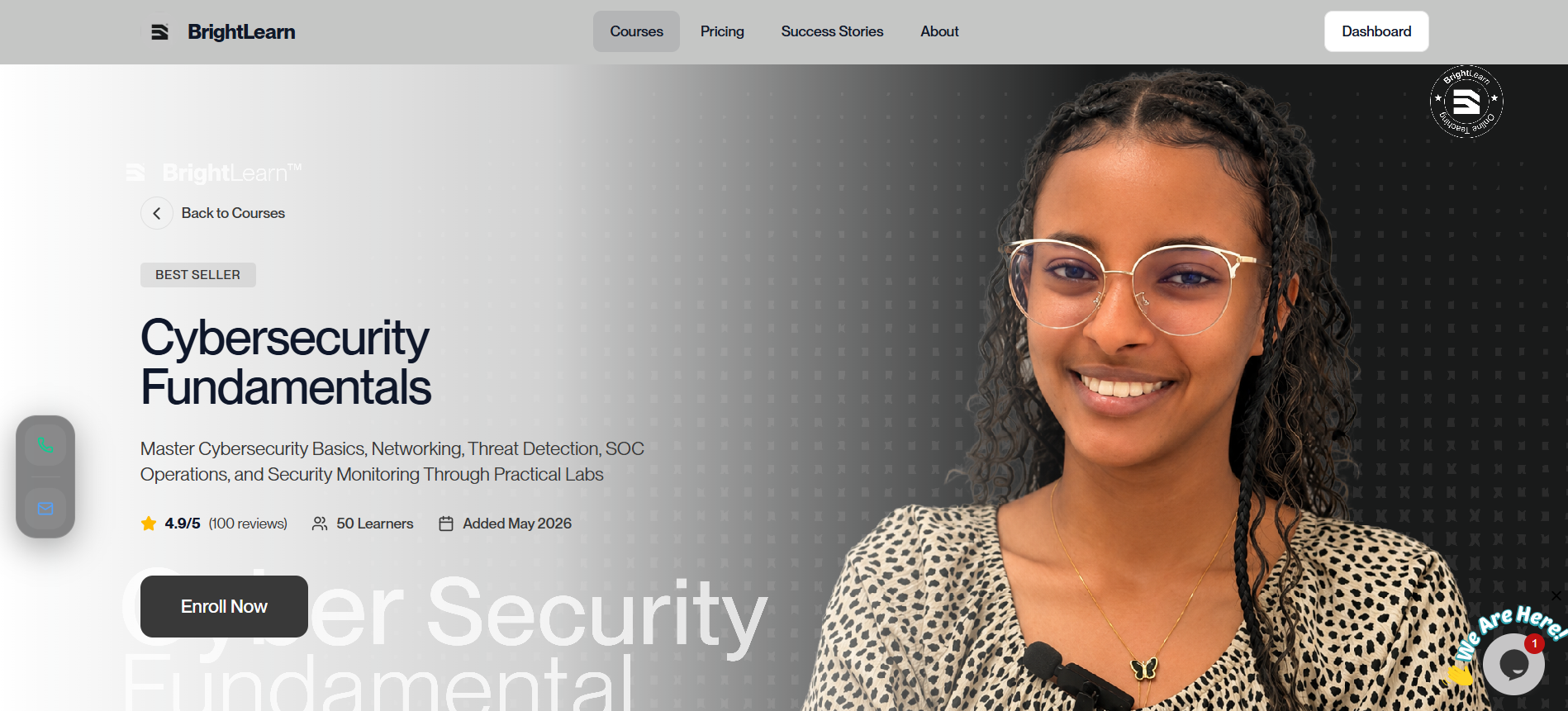
Step 1 — Open a course
- From the course list, click the course title.
- The course details page opens.
Step 2 — Read the overview
On this page you typically see:
- Course title and description
- Teacher name
- Price or “Free”
- Number of lessons or total duration
- What you will learn — learning outcomes
Step 3 — Review the lesson list
- Scroll to the Curriculum or Lessons section.
- See each lesson title and type (video, quiz, resource).
- Some lessons may be marked as preview if you can watch them before enrolling.
Step 4 — Decide to enroll
- If the course fits your needs, click Enroll, Buy Now, or Join Course.
- Follow Enroll in a course.
Paid courses may require payment verification before you can access lessons. See Payment methods.
Troubleshooting
Enroll button is missing.
You may already be enrolled. Check My Courses.
Price is not shown.
Refresh the page. If it still missing, contact support or your administrator.
Frequently Asked Questions
Can I see reviews?
If the course page shows ratings or reviews, scroll below the description to read them.
Next: Enroll in a course
Last updated on