Introduction to BrightLearn
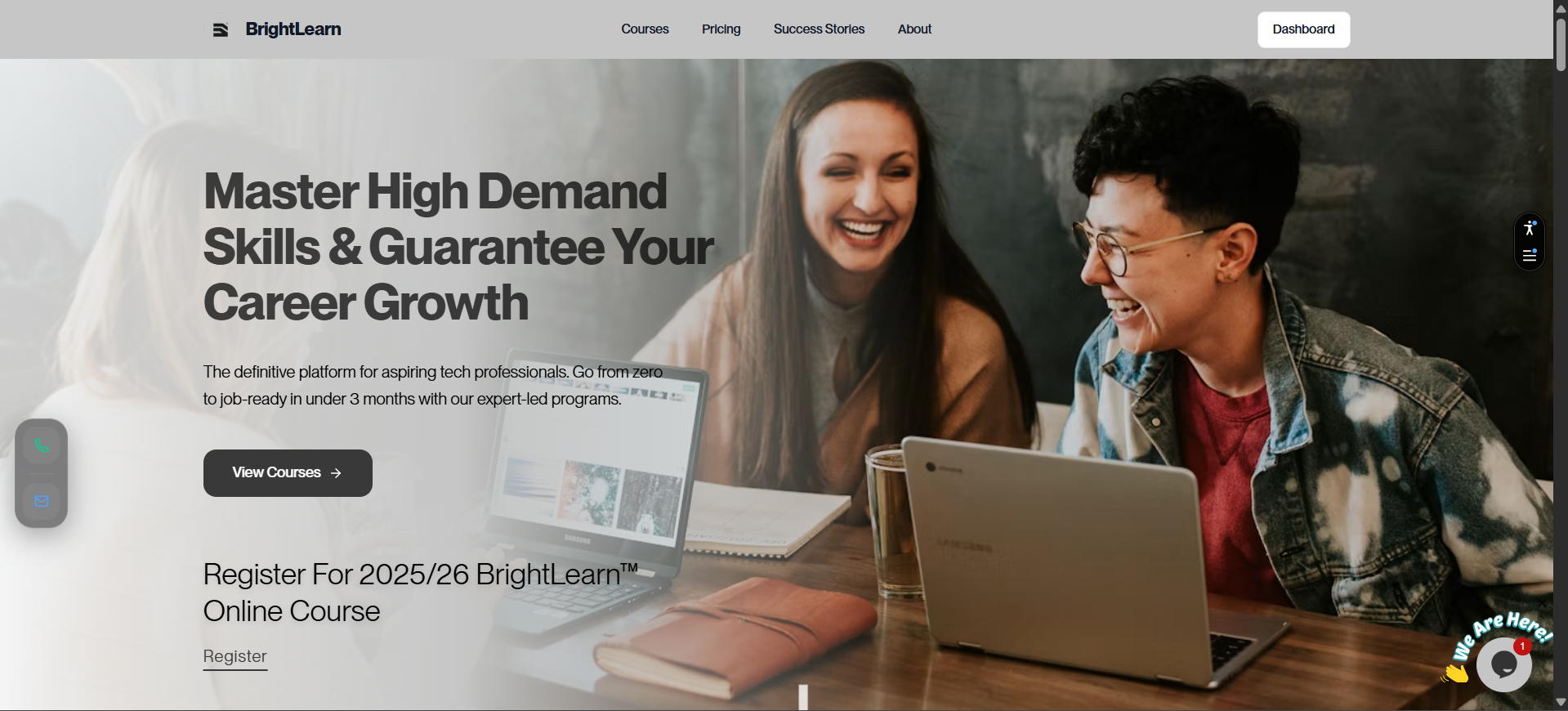
BrightLearn is an online learning platform where you can take courses, watch video lessons, complete quizzes, and earn certificates — all from your computer or phone.
What is BrightLearn?
BrightLearn brings your courses to one place. After you enroll, you can:
- Watch video lessons at your own pace
- Download study materials
- Track how much of the course you have finished
- Download a certificate when you complete a course
- Customize your experience with multiple languages (French, Amharic, Chinese) and Dark/Light mode
Who uses BrightLearn?
BrightLearn is used by:
- Students — to learn, complete courses, and earn certificates
- Teachers — to create courses and support students
- Administrators — to manage the platform and verify payments
This help center focuses on students. Every guide shows you exactly what to click and what to expect on screen.
What do you need to get started?
Before you begin, make sure you have:
- A valid email address
- A device with internet access (computer, tablet, or phone)
- A web browser such as Chrome, Firefox, Safari, or Edge
You can use any kind of email address to register, whether it’s a personal, student, or work email. However, please ensure it is a valid and working email (meaning active email address).
How BrightLearn works
Here is the typical student journey:
- Create an account — Register with your email and a password
- Browse courses — Find a course you want to take
- Enroll and pay — Choose a course and submit payment proof if required
- Wait for approval — An administrator verifies your payment
- Start learning — Watch videos and attend class in each module
- Pass module quizzes — Unlock the next module after each quiz
- Pass the final exam — Required to complete the course
- Earn your certificate — Download it after passing the final exam
Troubleshooting
If something does not work as expected, check Help & Troubleshooting or the guide that matches your problem.
App Preferences
BrightLearn is designed to be comfortable for everyone. You can customize your experience in the app settings:
- Languages: Switch between English, French, Amharic, and Chinese.
- Theme: Toggle between Dark and Light mode depending on your preference.
Frequently Asked Questions
Is BrightLearn free?
Some courses are free. Others require payment. The course page shows the price before you enroll.
Can I use BrightLearn on my phone?
Yes. Open BrightLearn in your phone’s browser. You can watch videos and complete quizzes on mobile.
Do I need to install an app?
No. BrightLearn works in your web browser. No download is required.
Next: Create an account